- Início
- Como começar
- Eventos
- Grupos
- Perguntas frequentes
To take advantage of the benefits of having an app on your device, while our app is being submitted to the app stores, we've written these instructions. With this process you will be able to receive notifications and have a badge with the number of notifications, just like a native app.
For Android
Installing Planamatch using Android is just one simple step. Planamatch is able to detect that it can be installed, and it will offer you a way to do so on the interface. All you have to do is tap on the Install button.
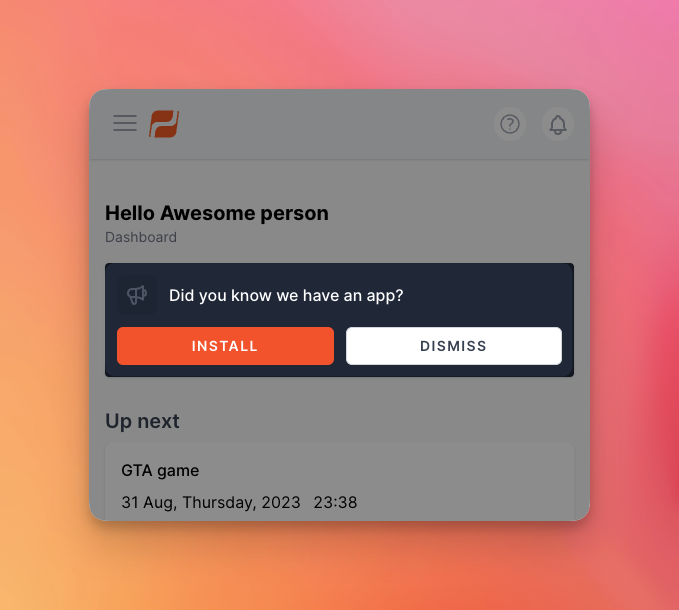
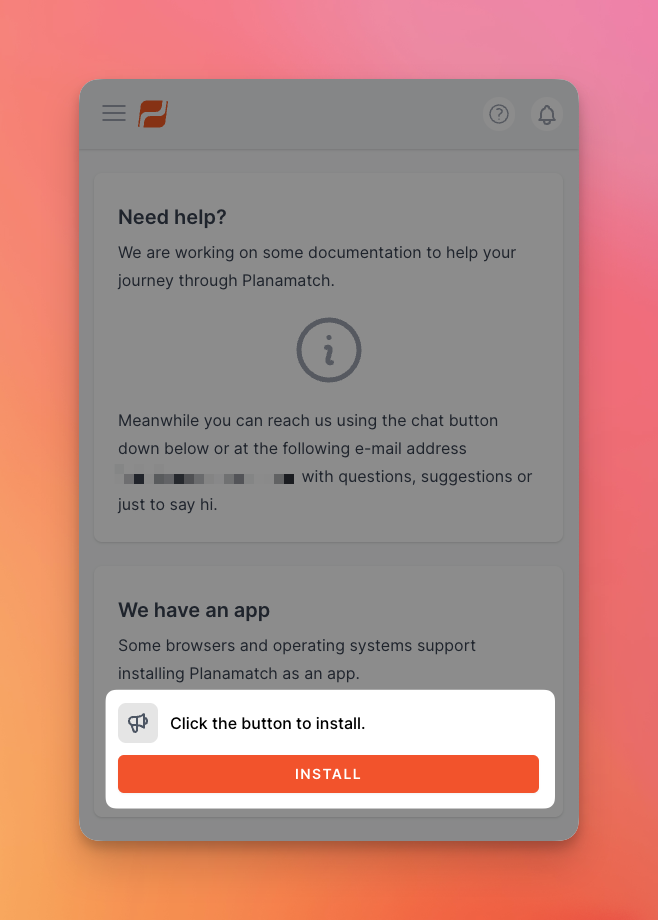
If by any chance you've previously hit the Dismiss button, you can still head on to the Support page and there you will have another Install button.
For iOS or iPadOS
Now here it is a bit more complicated since Apple doesn't allow any way for the site to suggest that it can be installed and so you have to do it manually. It's not overly complicated, just three steps.
Here we go!
Step one
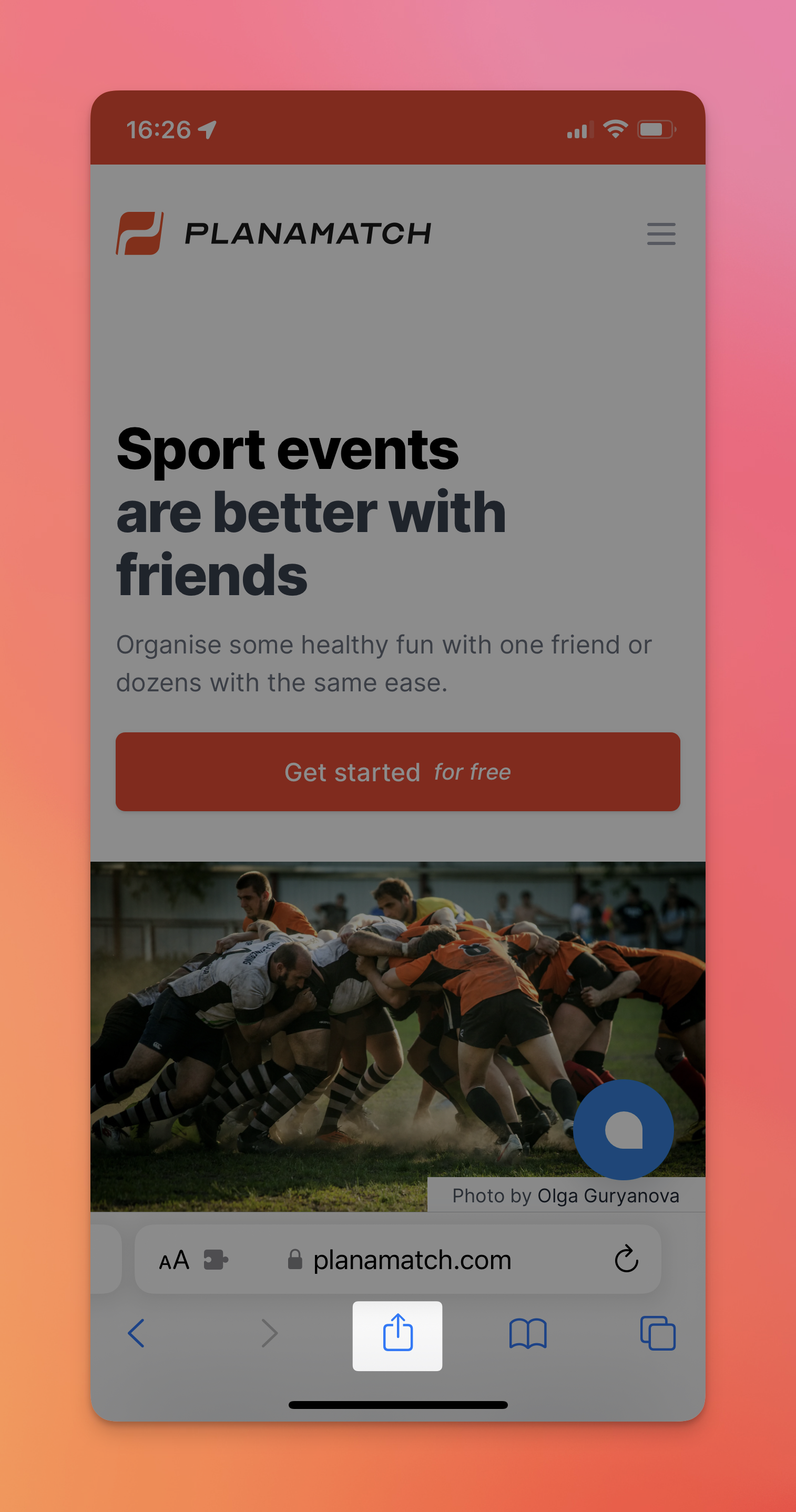
Make sure you open planamatch.com with the Safari browser and then click on the Share button.
Step two
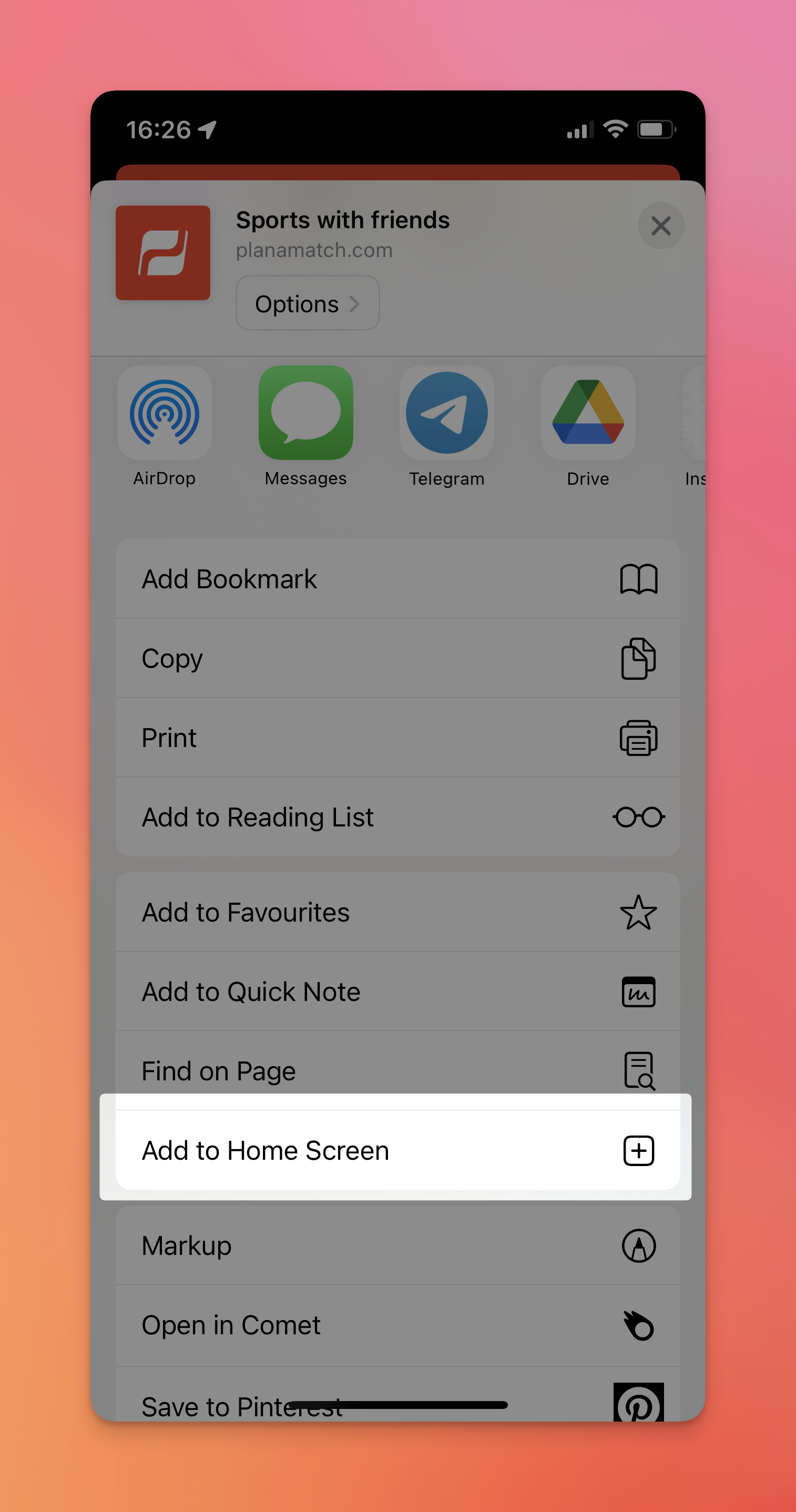
Click on the Add to Home Screen button.
Step three
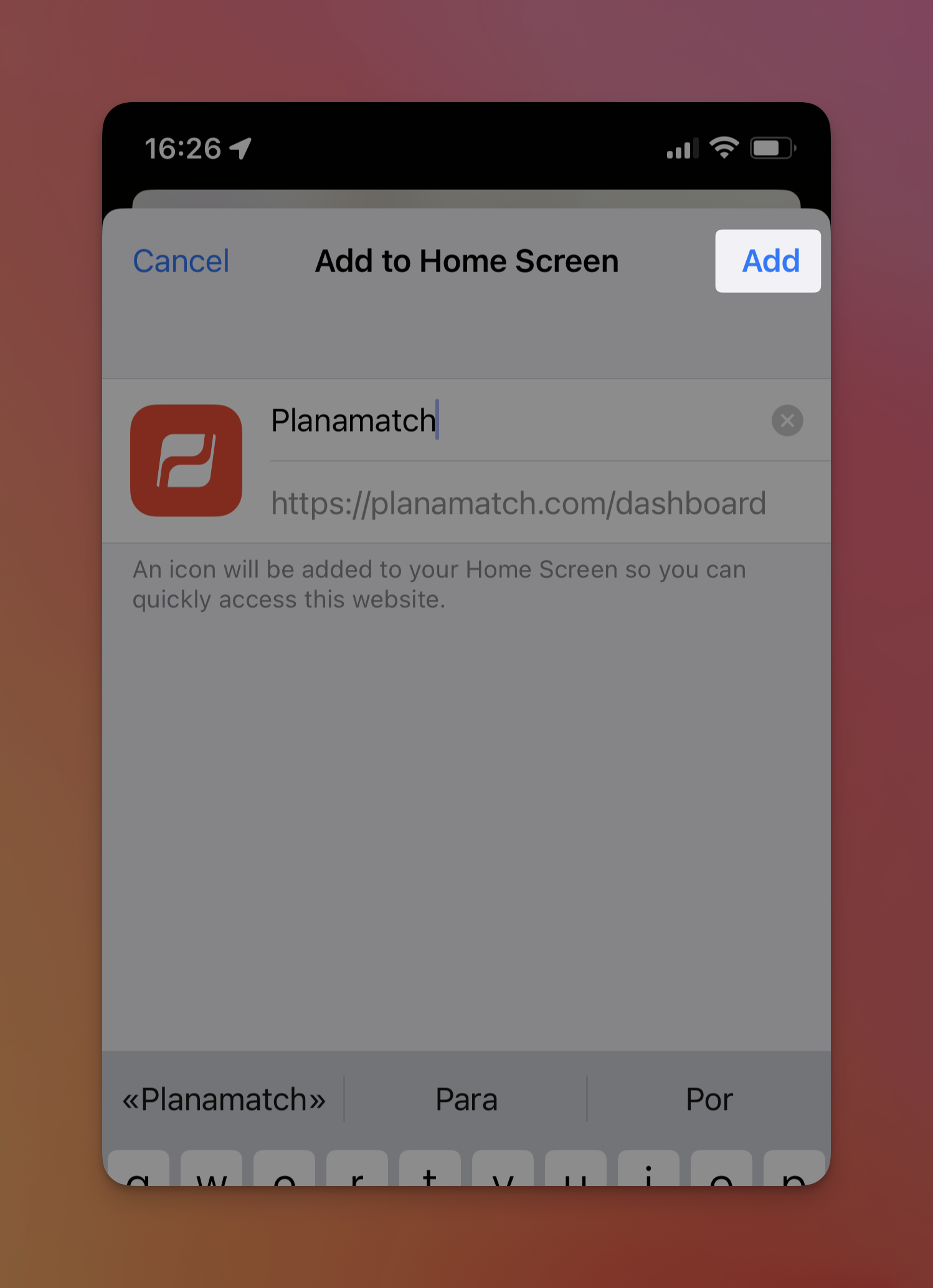
You don't need to change the name, but you can get creative. Then click on Add and you should now have installed Planamatch as an app. the icon you see here will be displayed on your home screen.
It's done!
Now, since this install runs on a separate process, you will have to authenticate yourself, and you can be your way.